

Blog
bKash AVA – Your 24/7 Digital Assistant for Easy Mobile Banking

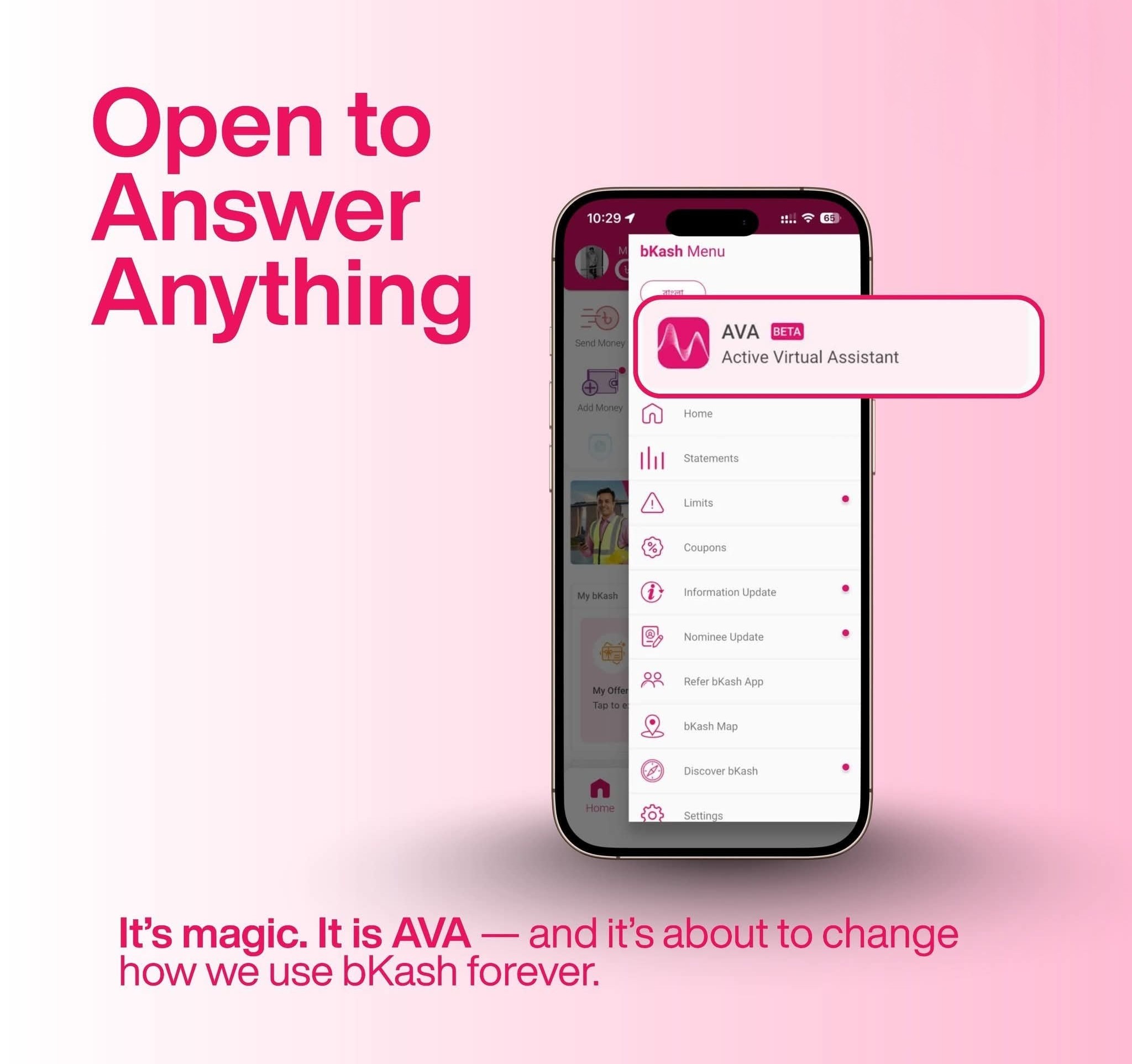
Introduction
Bangladesh’s most popular mobile financial service, bKash, has taken another big step toward smarter digital banking with the launch of bKash AVA – an intelligent virtual assistant inside the bKash app. AVA is designed to make your mobile banking experience faster, smoother, and easier than ever before. Whether you need help resetting your PIN, checking your account, or finding answers to common queries, AVA is there 24/7 to assist you.
What is bKash AVA?
AVA is an AI-powered digital assistant built directly into the bKash app. Think of it as a chatbot that’s always ready to help you with your financial queries or app-related issues.
It’s available anytime, anywhere – no need to call customer care or visit an agent point for basic support.
Main Features of bKash AVA
24/7 Customer Support
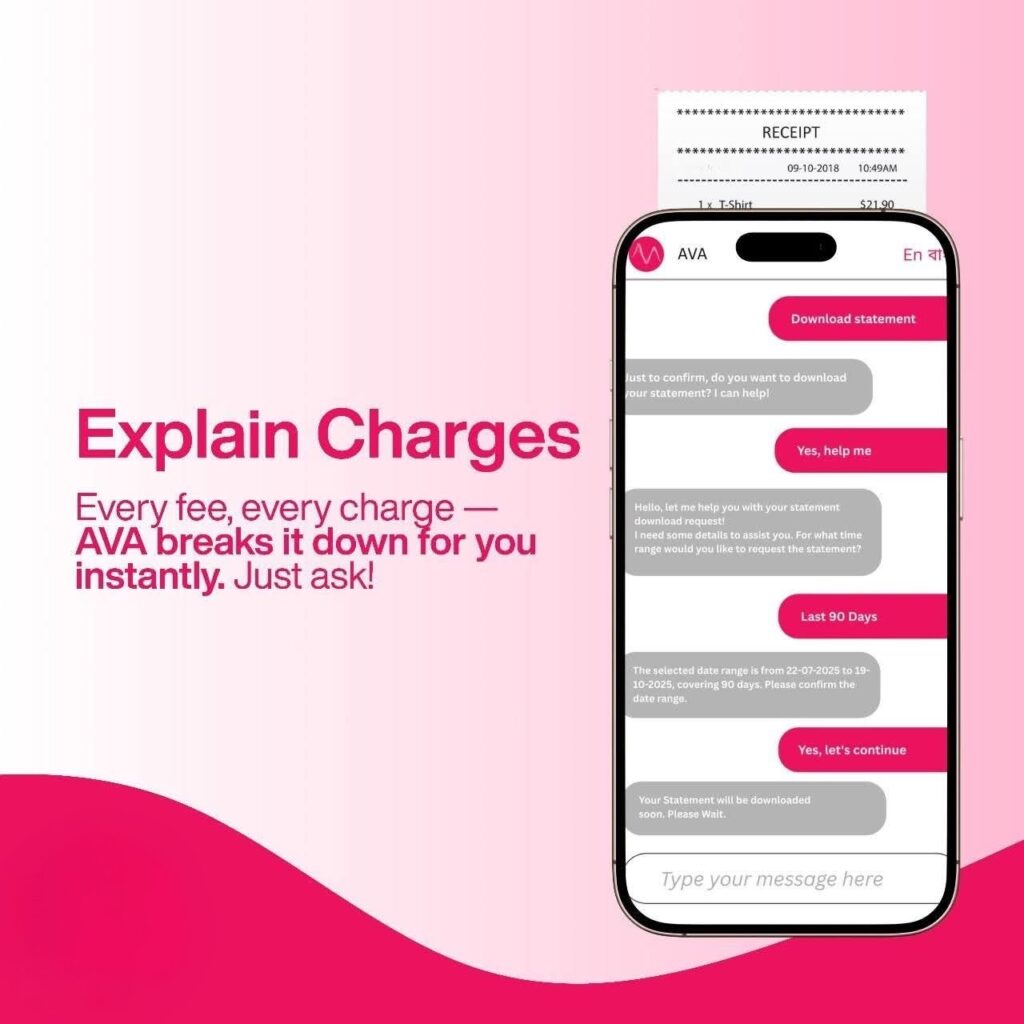
AVA is active round the clock. Whether it’s midnight or early morning, you can chat with AVA and get instant answers to your questions.
PIN Reset and Account Help
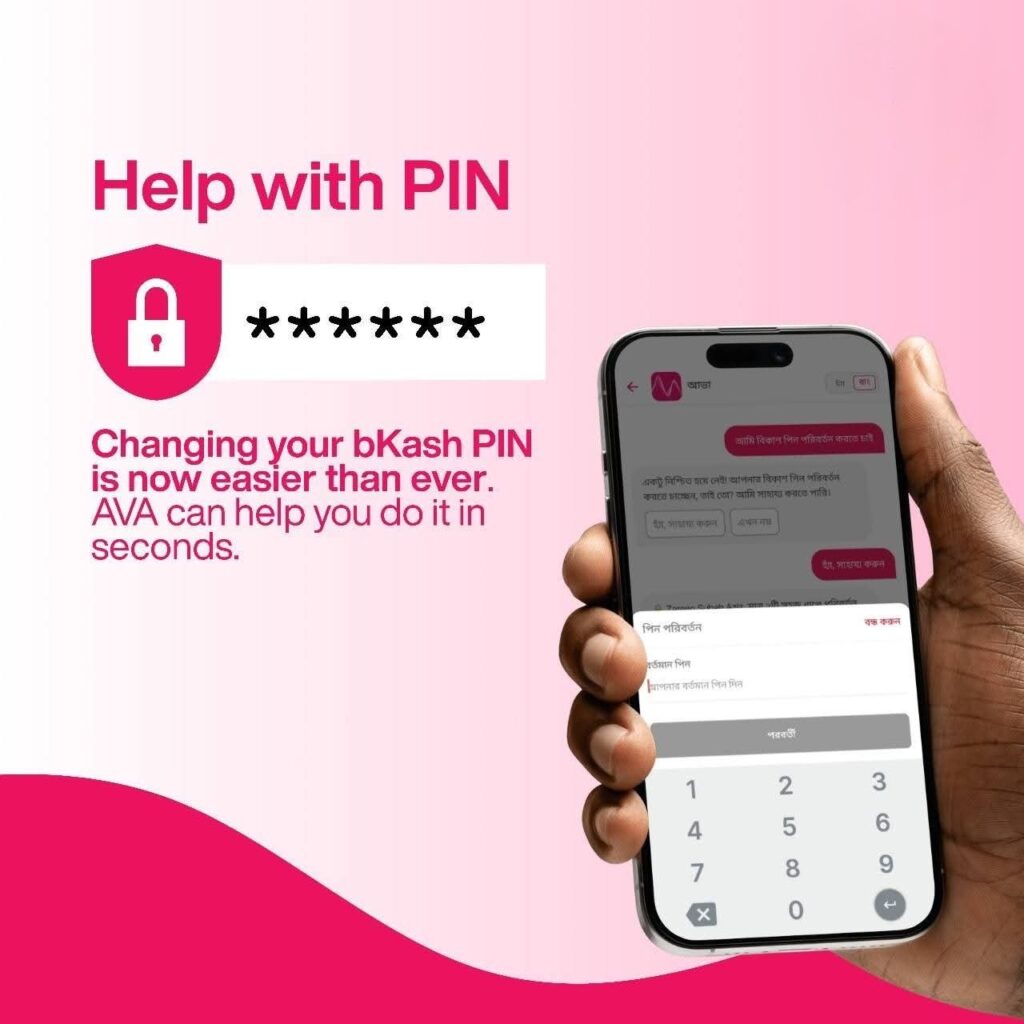
Forgot your bKash PIN? Don’t worry, AVA has made the process simple and secure. With just a few quick steps inside the bKash app, you can reset or change your PIN anytime, anywhere, without the hassle of visiting an agent point or calling the customer helpline. It ensures both convenience and complete safety for your account.
Instant FAQs and Problem Solving
From transaction limits and service charges to the latest app features and updates, AVA provides accurate, real-time information within seconds. Whether you’re curious about how a feature works or need quick guidance, AVA is always ready with the right answers to make your bKash experience smoother.
Transaction History & Account Info
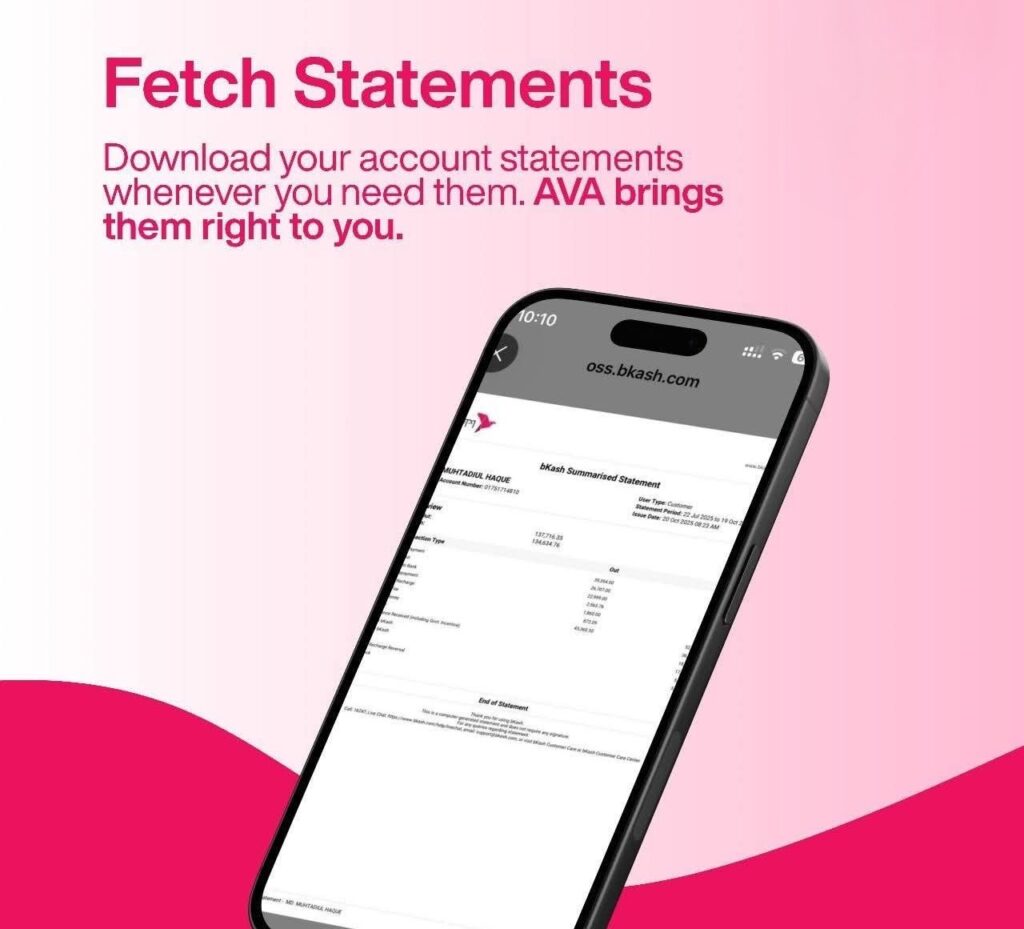
You can easily ask AVA to display your recent transaction details or even guide you step-by-step on how to download your full account statement directly from the bKash app. It’s a quick and convenient way to stay updated on your spending and keep track of your financial activities anytime you need.
User-Friendly Experience
You don’t have to type long or complicated messages to get help. AVA understands short, simple commands and responds instantly with clear, accurate answers — whether you prefer to chat in Bangla or English. Its easy and friendly interface makes communication effortless for every bKash user.
How to Use AVA in the bKash App
Using AVA is super easy:
- Open your bKash app.
- Tap the bird icon (usually at the top corner).
- You’ll see the chat window appear — type your question or choose a topic.
- AVA will reply instantly with relevant solutions or steps.
It’s like chatting with a friend who knows everything about bKash!
Why AVA is a Game-Changer for bKash Users
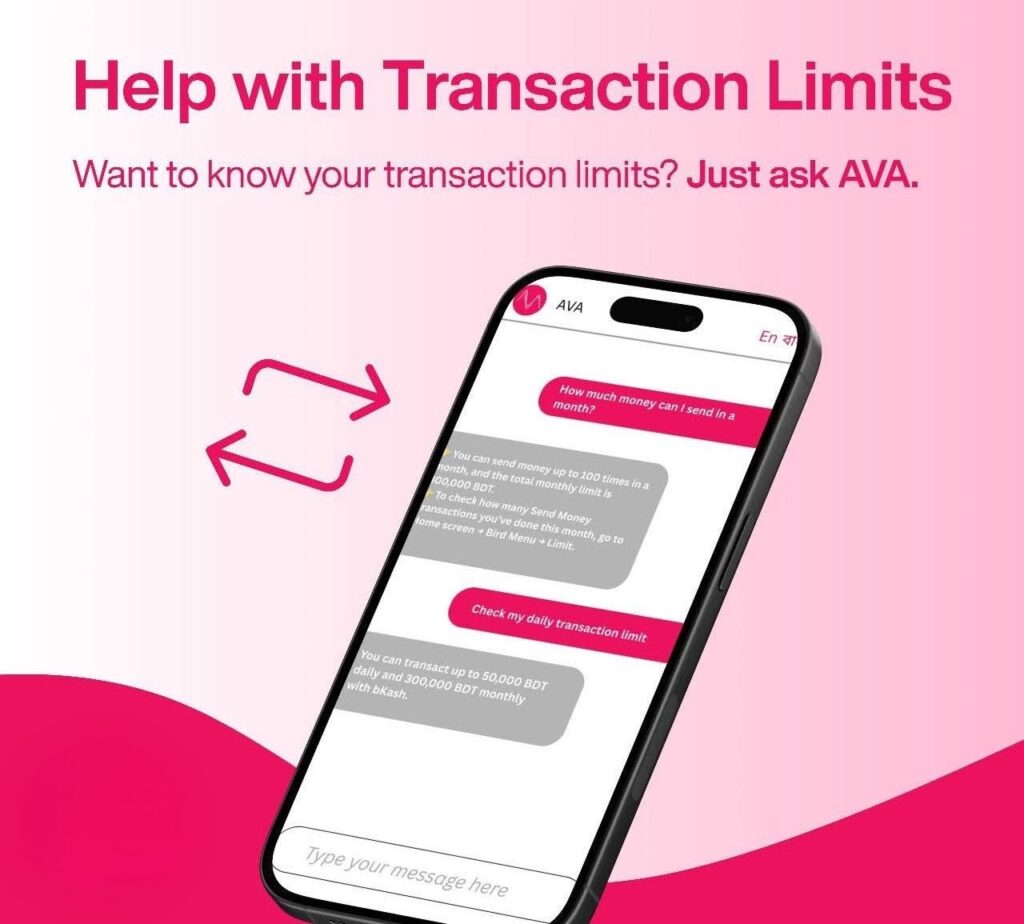
Before AVA, users had to call the bKash helpline or visit nearby agents for support. Now, all that help is just one tap away.
This digital assistant reduces waiting time, improves customer satisfaction, and makes mobile banking more modern and accessible for millions of Bangladeshis.
Future of Digital Assistants in Banking
With AI becoming more advanced, digital assistants like AVA will keep learning from user interactions. Soon, AVA might even help users with personalized financial tips, savings suggestions, or bill reminders – making mobile banking smarter than ever before.
Conclusion
bKash AVA isn’t just a chatbot, it’s a digital step toward smarter financial living. It reflects how technology is transforming the way people in Bangladesh manage money. If you haven’t tried it yet, open your bKash app, tap the little bird icon, and say hello to AVA – your 24/7 banking assistant.
FAQs about bKash AVA
1. What is bKash AVA?
AVA is a smart digital assistant inside the bKash app that provides instant customer support and account help.
2. Is AVA available all the time?
Yes, AVA is active 24 hours a day, 7 days a week.
3. Can AVA reset my PIN?
Yes, AVA can guide you through the PIN reset or change process securely.
4. Does AVA support Bangla language?
Yes, you can chat in both Bangla and English.
5. How can I open AVA?
Open the bKash app → Tap the bird icon → Start chatting with AVA.